KeePassXC. Setting up a password manager for macOS.
KeePassXC – a cross-platform fork of KeePassX (a fork of KeePass), recommended by us for macOS and Linux users. The program has open-source code, and unlike the parent program KeePassX, this project is actively maintained by a group of developers.
KeePassXC works similarly to KeePass: you create a secure vault where you store your passwords. Passwords can be sorted into groups and subgroups, and there is also a convenient interface for generating strong passwords.
For convenience, there is even integration with browsers like Google Chrome, Chromium, Vivaldi, and Mozilla Firefox. However, from a security standpoint, this is not the best move, and we advise against using this feature.
First, you should download and install KeePassXC. Like any other program, you should download KeePassXC from the official website.
Creating a secure password vault
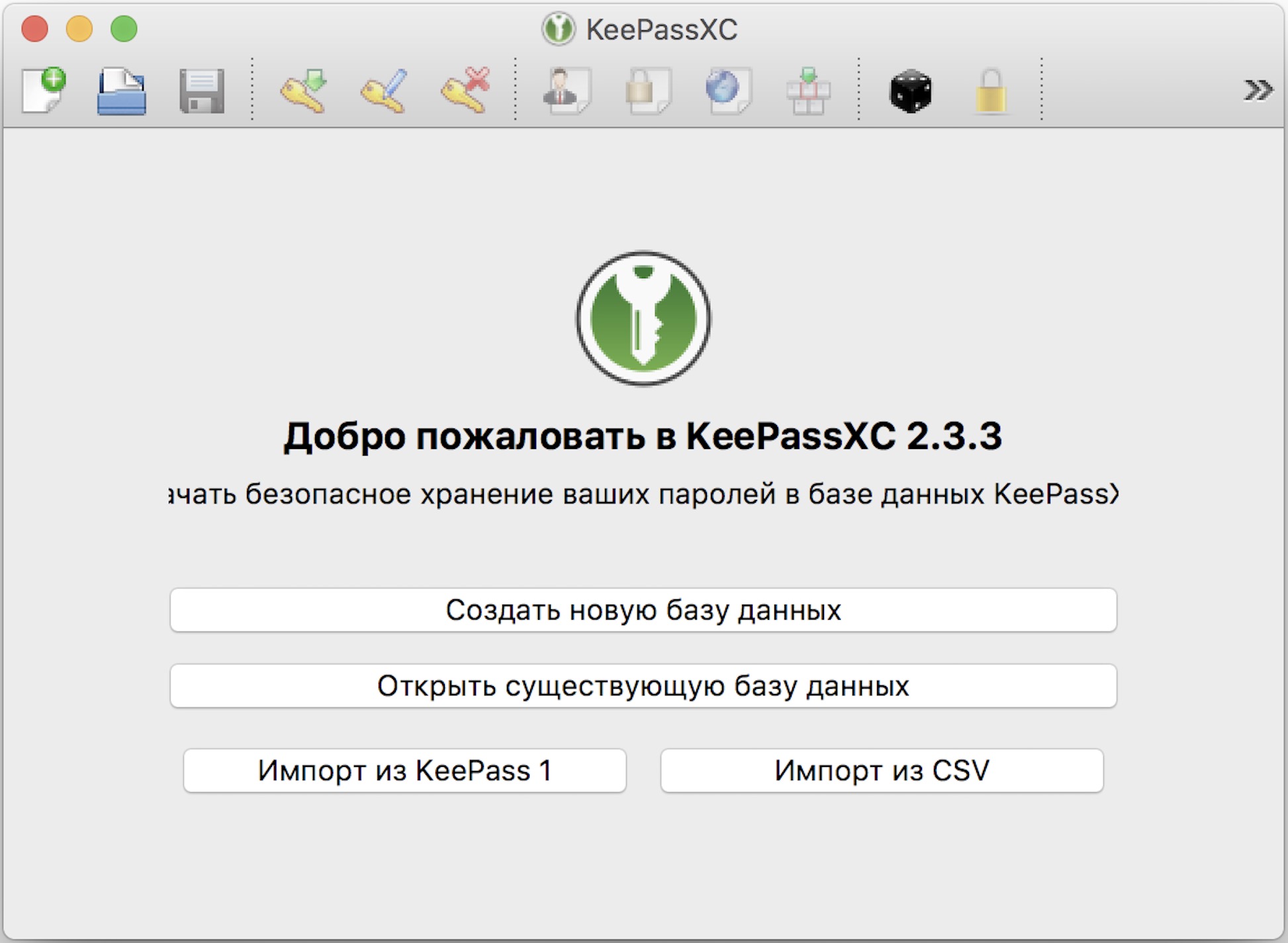
After launching, the main window of the program will open. First, we need to create a new database where the passwords will be stored.
The system will prompt you to create a password for the database, which you will use to retrieve passwords from it on any device that supports KeePassXC. This should be a strong password (at least 20 characters long, including numbers and symbols), which will only be stored in your memory.
I advocate using a combination of a password and a key file wherever possible, so I recommend that you also use a key file along with a strong password.