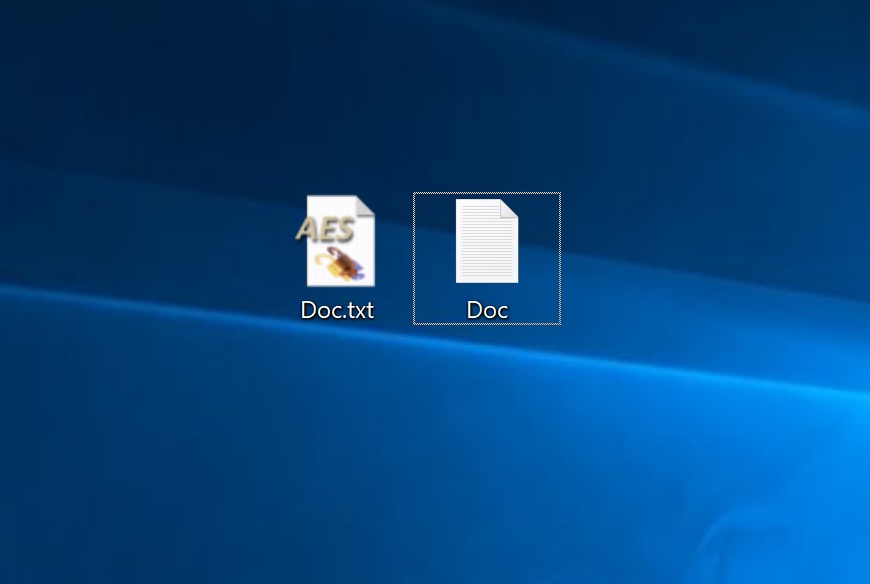
File Encryption Using AES Crypt on Windows and macOS
Once again, I would like to emphasize that this program cannot create a full-fledged cryptocontainer with the ability to extract and write files. This is not within the scope of the AES Crypt program; its purpose is to encrypt individual files.
Using AES Crypt on Windows
Installation
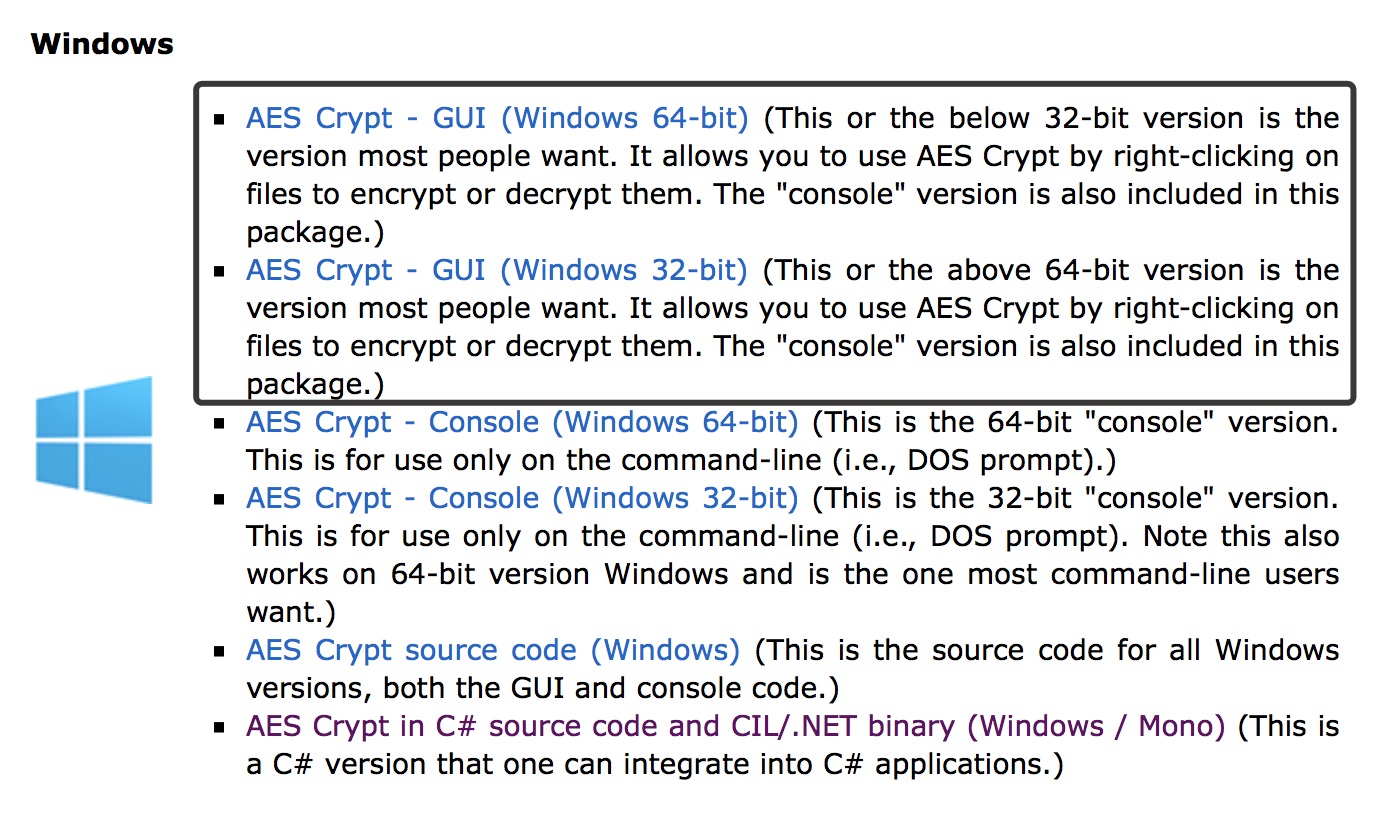
Download the version with a GUI (graphical interface) of the required architecture. Install the program. Don’t be alarmed when the program does not launch after installation and no shortcut appears on the desktop. This is how it should be.
Encryption
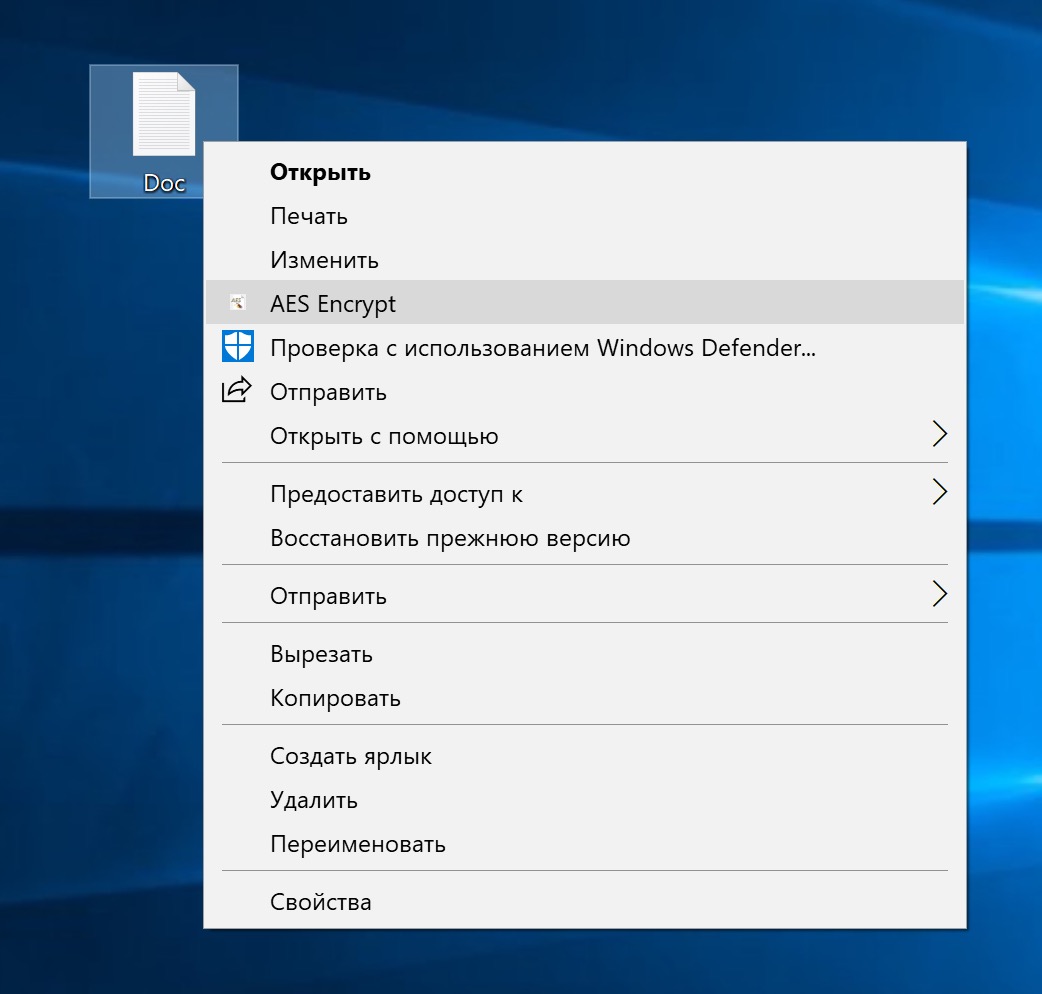
One of the advantages of AES Crypt is its simplicity. After installing the program, you simply select the desired file.
Right-click, choose AES Encrypt.
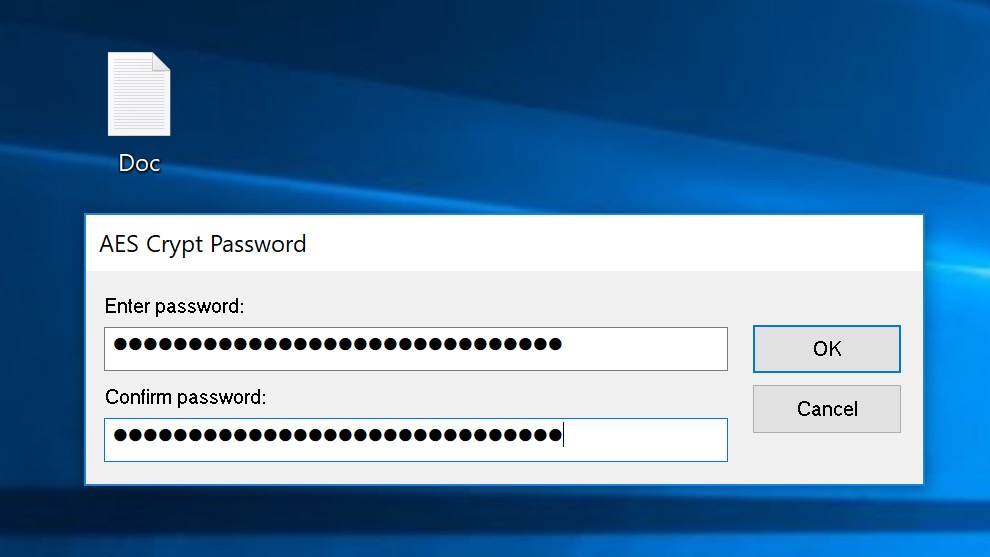
Then come up with a password for encrypting the file.
The encrypted file is a copy of the original file with the .aes extension. The original file should be deleted.