Encryption of Messages in the Browser
In this section, we will tell you about tools for encryption such as OTR and PGP. However, you can also encrypt messages outside of the messenger by sending data in an already encrypted form. Firstly, there are websites that provide data encryption services, and secondly, there are browser extensions for encryption. We will discuss one such extension in this chapter.
CryptoData is a browser extension with data encryption functionality for Mozilla Firefox and Google Chrome. I highly recommend that you install it.
The extension is free, but it is our collective duty to support the developer. You can do this via this link.
After installing the extension, you will see the CryptoData icon in your browser.
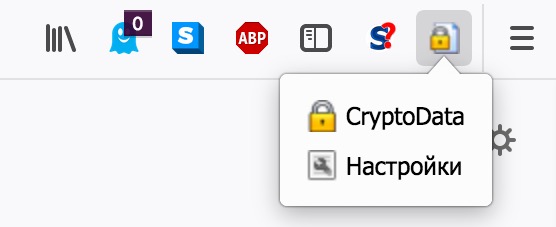
Data Encryption Using CryptoData
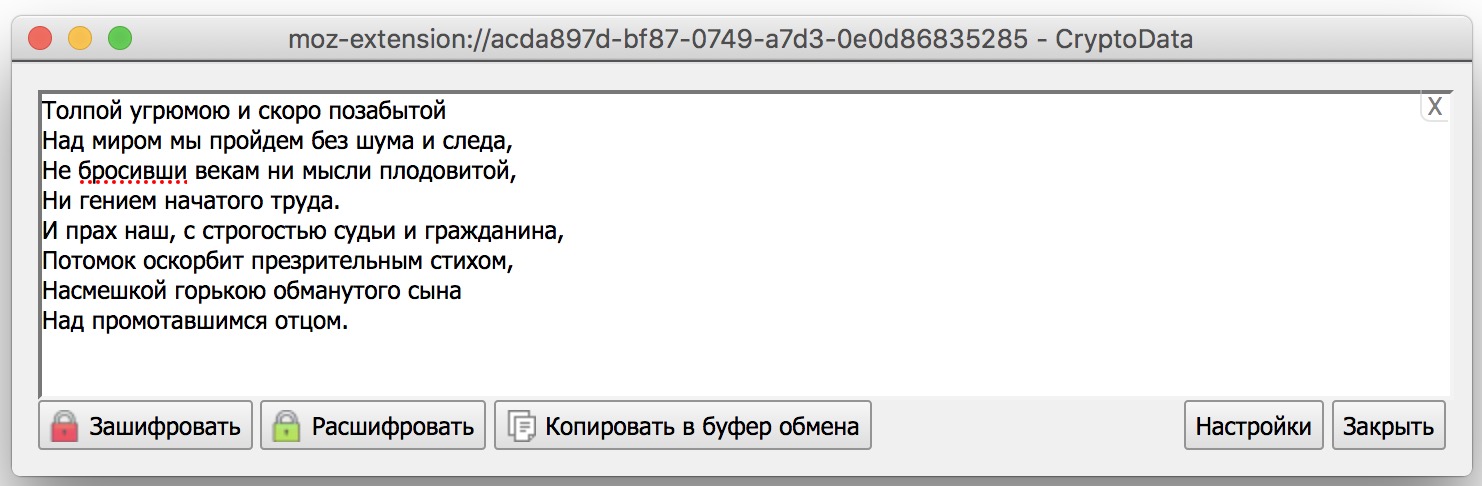
When you click on the CryptoData icon, a form will appear for the text you want to encrypt (or decrypt). The encryption algorithm used, AES-256, is currently the optimal solution for fast and secure encryption. If you feel tempted to change it to RC4 (Rivest cipher) in the settings, I strongly advise against it: RC4 became outdated in 2018 and is not secure enough.
Click Encrypt, and come up with a temporary key. The key must be communicated to the interlocutor through an alternative channel.
A reliable key looks something like this:
&mWcq!fbBdaFw-!3g;’qB=!§,B.=EqZsqf|q1@=`~\qf./!3g;’qB=!§,B.=Eq!!!Ot_l.
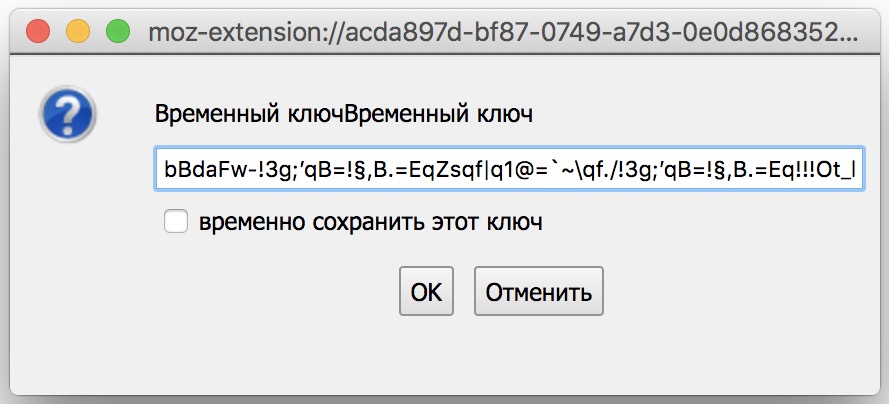
Remember that even the most reliable encryption algorithm will not be secure with a weak, easily guessable key.