Safe Opening of Short Links
Short links are one of the most common tools for attacks. There is nothing easier than disguising a malicious website or a link to download malware using a link shortener, such as Bitly.
In this article, I want to offer my recommendations for checking and safely opening short links.
First of all, check where the hidden link leads. You can use the website unshorten.it for this purpose. Its functionality is extremely simple: it allows you to find out where a short link leads without opening it.
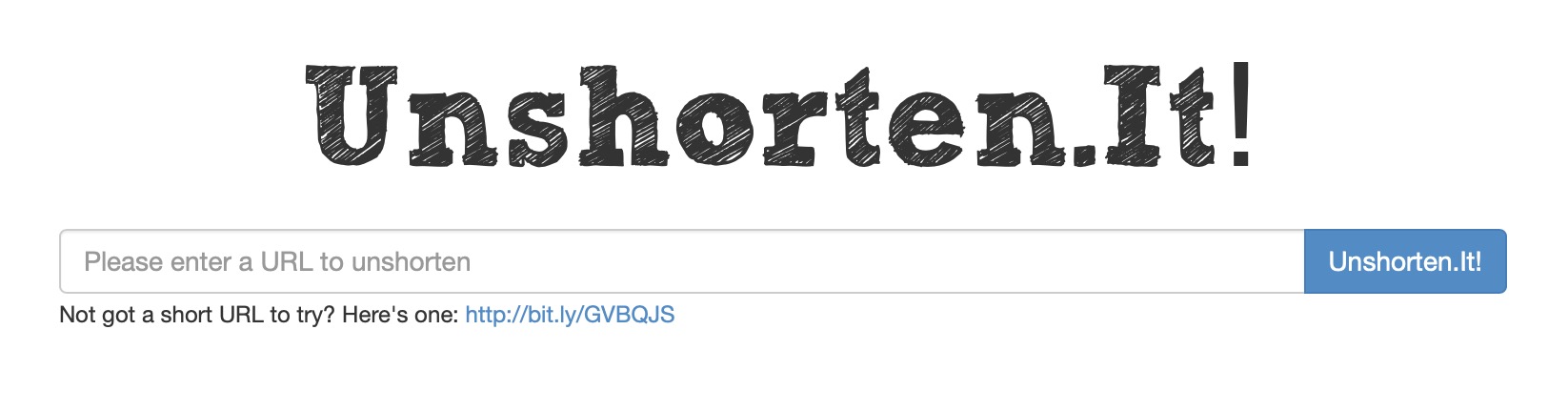
Remember that such services may log and store data, including final links with valuable information for you.
After obtaining the final link, check it on the website VirusTotal. I recommend installing VirusTotal as a browser extension for convenient checking of suspicious websites in the future.
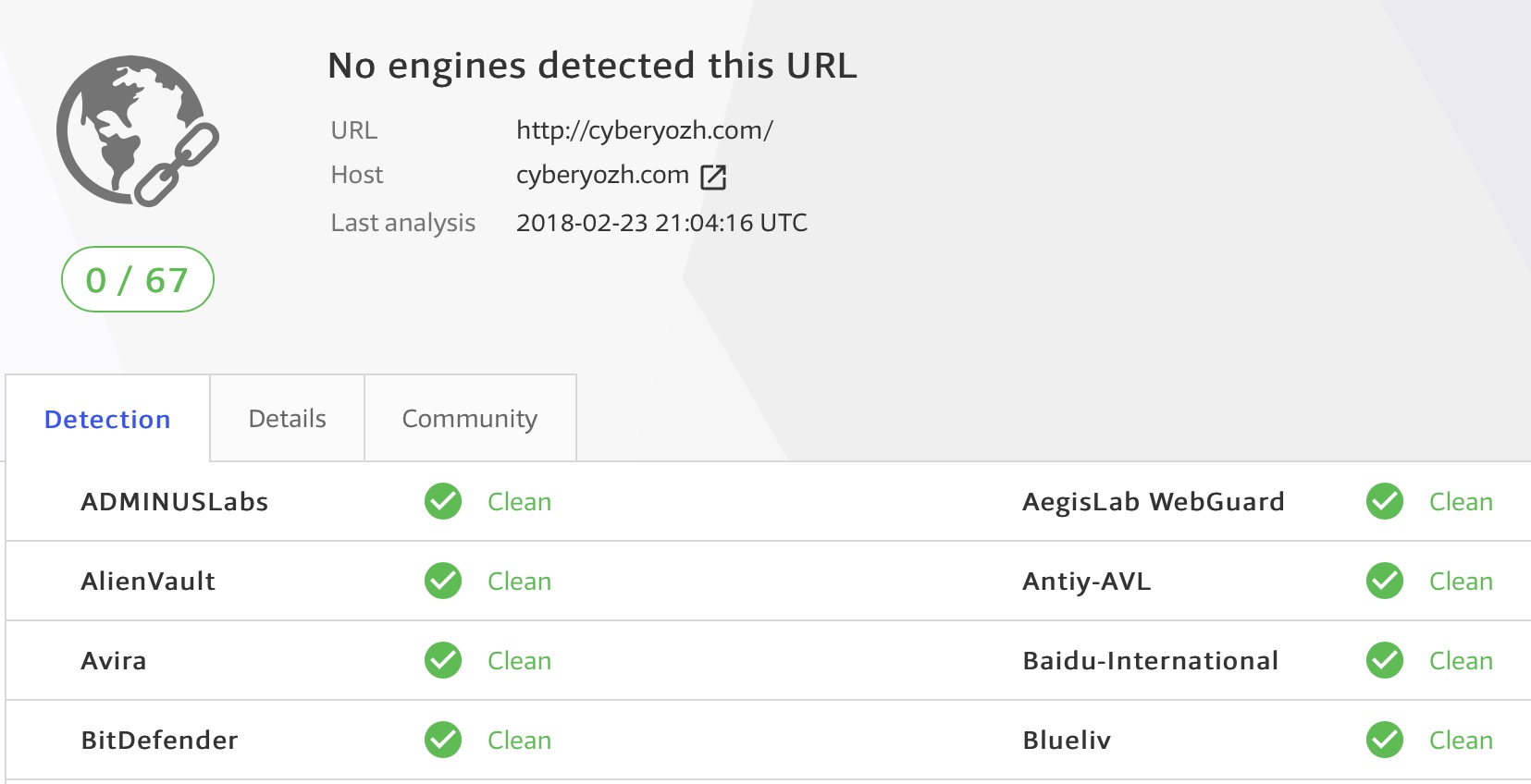
Unfortunately, this is not always an effective solution. Sometimes attackers create an intermediate harmless site that is hidden behind a short link. In such cases, the check will show that the site poses no threat, but after opening it in the browser, you will be redirected to the final malicious site.
Moreover, VirusTotal itself often cannot recognize the threat, so if you have any suspicions, run the site in a virtual environment or sandbox. If you do not have a virtual environment set up, as a temporary solution for viewing websites, you can use the service Browserling.com. However, I strongly advise against opening pages that contain private information there, as all your actions and transmitted data may be collected and stored.