Browser Cache Through the Eyes of a Security Specialist
Browser Cache Through the Eyes of a Security Specialist
I could tell you a lot about caching: how it has accelerated the loading of websites, the convenience of working with "heavy" pages, that caching is the future and Google encourages webmasters to cache everything possible... But I am a security specialist and I will talk about something else: that cached websites are stored on your computer, that the cache of a website can be stolen, along with valuable information, and that the cache of a site can pose a threat to your anonymity...
When you load a website from a server, a set of code is sent to your computer. Here is what the code of the Google site looks like.
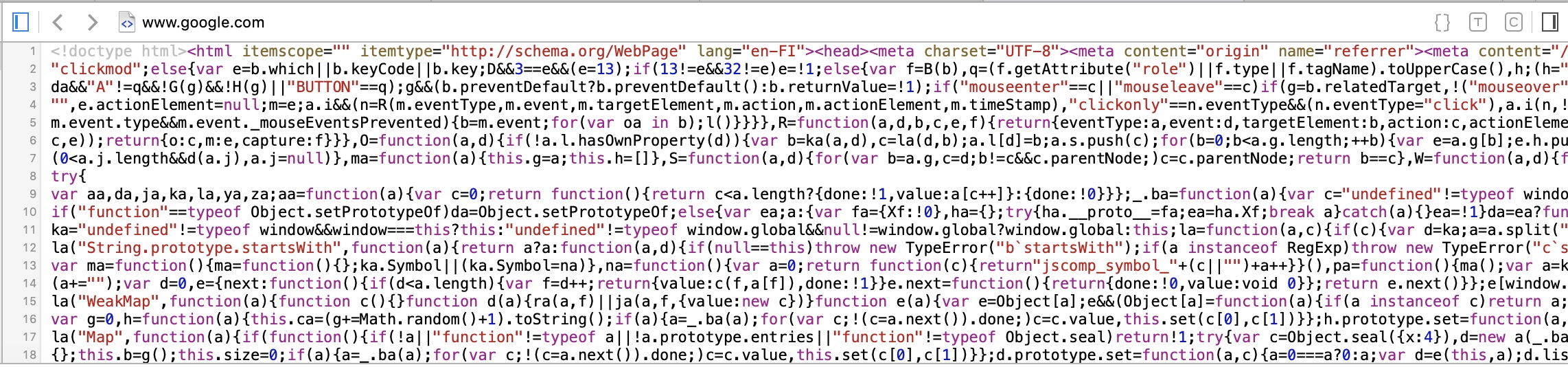
This code is processed by your browser, turning it into the website you are used to seeing.

The average page of a modern website weighs about 5 MB. This is not much, but users expect websites to load as quickly as possible, and webmasters (creators and managers of websites), encouraged by Google, do everything possible to speed up the reloading of the site.
Open the site google.com. Now close it and open it again. Has anything changed? Nothing? Agree, there is no point in loading this site onto your computer a second time; it is enough just to keep it there. That’s the whole point of caching. Loading from your computer is always faster than from the server; moreover, caching reduces the overall load on networks worldwide.
By the way, not only browsers cache websites, but also proxy servers. A proxy server loads a site once and, upon subsequent requests, provides users with the cached version of the page from the server. This significantly speeds up the loading of the website for the user.
If the cache of a site is replaced at the server level, a malicious version of the site can be loaded for users. This attack is called Web Cache Poisoning, which we will discuss in more detail in the chapter on proxy servers.
Browser cache is like a new PIN code for a bank card: the first time you enter it from a piece of paper, then you try to keep it in your head, as retrieving it from there is faster and more convenient than reaching for the paper. You will only need the paper again in case of a PIN code change.
Why might it be necessary to delete the cache? Here’s how this is explained in one of the blogs on the internet.