Installation and Configuration of Basic Security for VeraCrypt
Installation of VeraCrypt
Installing the software VeraCrypt for Windows and macOS users is unlikely to cause any issues. You simply need to download and install the program. Linux users who encounter difficulties can refer to the instructions below (demonstrated using Linux Mint).
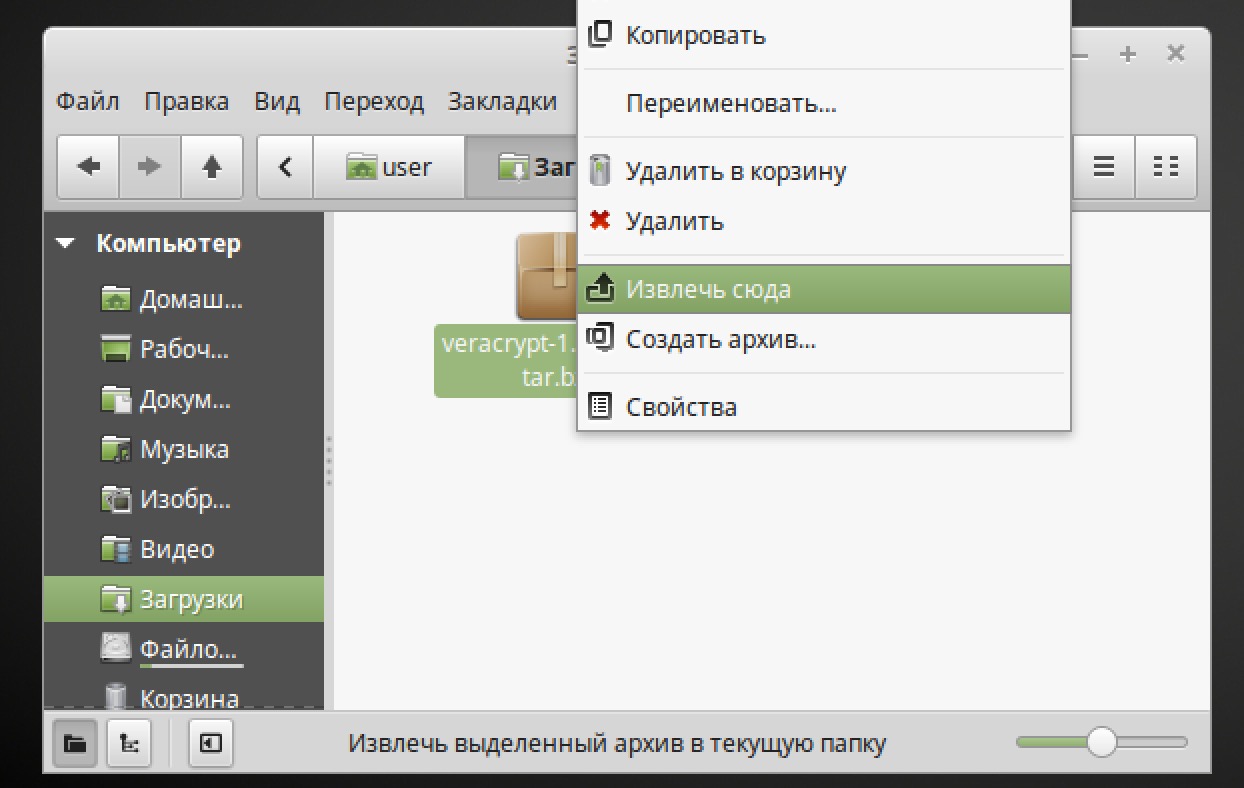
Download VeraCrypt for Linux (VeraCrypt Linux Setup). Extract the data from the downloaded archive.
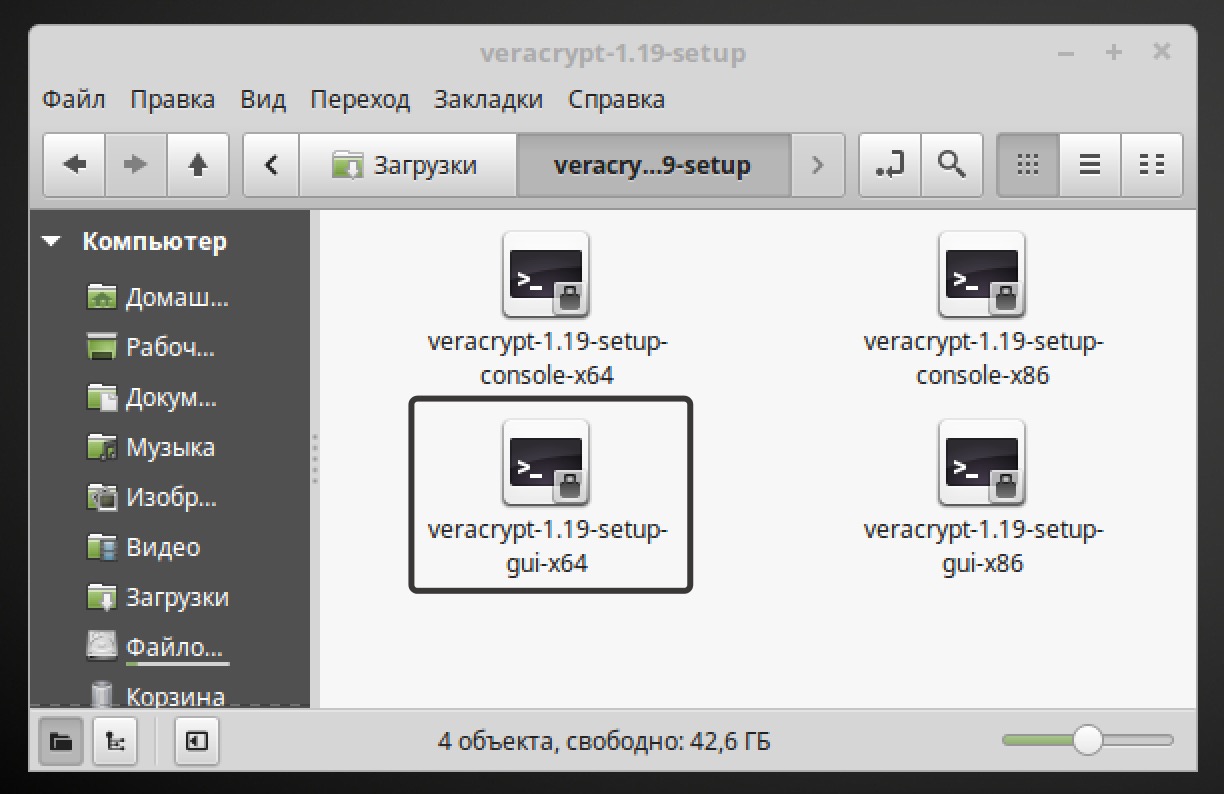
Then double-click on the file "veracrypt…gui-x64", and in the opened window, select Run in terminal.
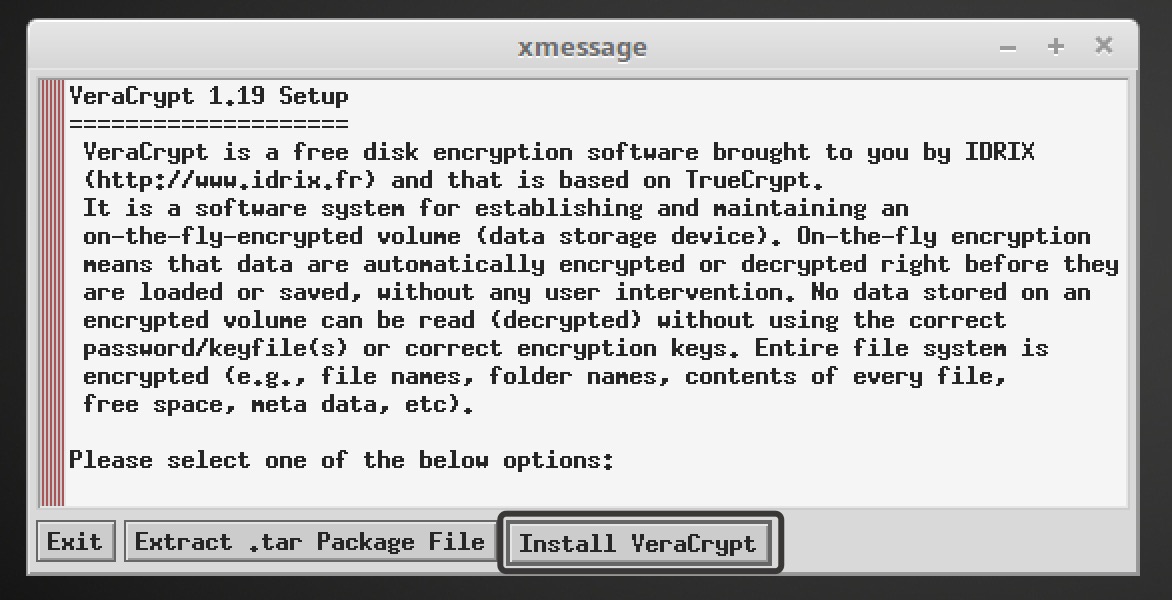
An installation window will open. Select Install VeraCrypt and follow the instructions.
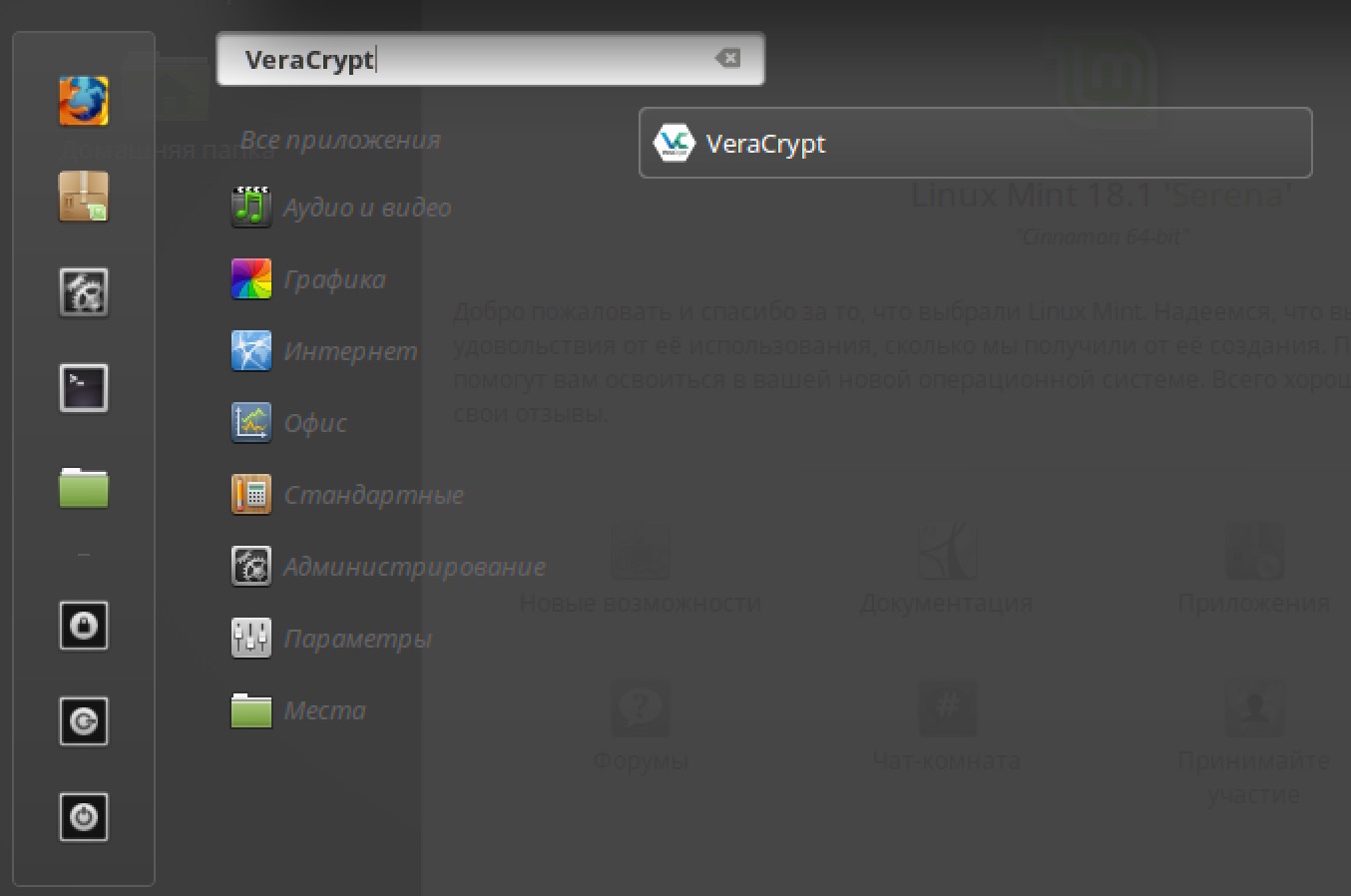
After installation, the program will be added to the menu. You may need to restart the system. Note that the installation of VeraCrypt does not work in the live version of Linux Mint 18.
Configuration of Basic Security for VeraCrypt
Before using VeraCrypt, we recommend configuring the program for secure operation. Unfortunately, the default settings of VeraCrypt do not provide the necessary level of protection, in our opinion. Automatic dismounting of cryptographic containers after prolonged inactivity is disabled, as well as cache clearing upon program shutdown.
The security configuration of VeraCrypt is similar to that of TrueCrypt, so you can refer to the instructions we wrote earlier.
Remember, https://book.cyberyozh.com/ru/istoriya-shifrovaniya-protivostoyanie-shifrovaniya-i-spetssluzhb/