Snapshots and Cloning of Virtual Machines
In this chapter, we will continue discussing the use of virtual machines, covering cloning and creating snapshots. This functionality is extremely necessary when working with virtual machines.
Imagine a situation: you downloaded a suspicious application and installed it in a virtual machine. The application behaves strangely, and to be safe, you delete it. What should you do with the virtual machine? It may already be compromised, and further use of it is unsafe.
The most prudent solution would be to destroy it, but in that case, you would have to create a new virtual machine. Perhaps you already had the necessary software installed on this virtual machine, and creating a new machine and configuring the system each time is both time-consuming and labor-intensive.
To avoid creating a new virtual machine, there are two paths. The first is to create a template system and then simply clone it. You create a virtual machine, install the system and all the programs you need, then select the created virtual machine and click "Clone."
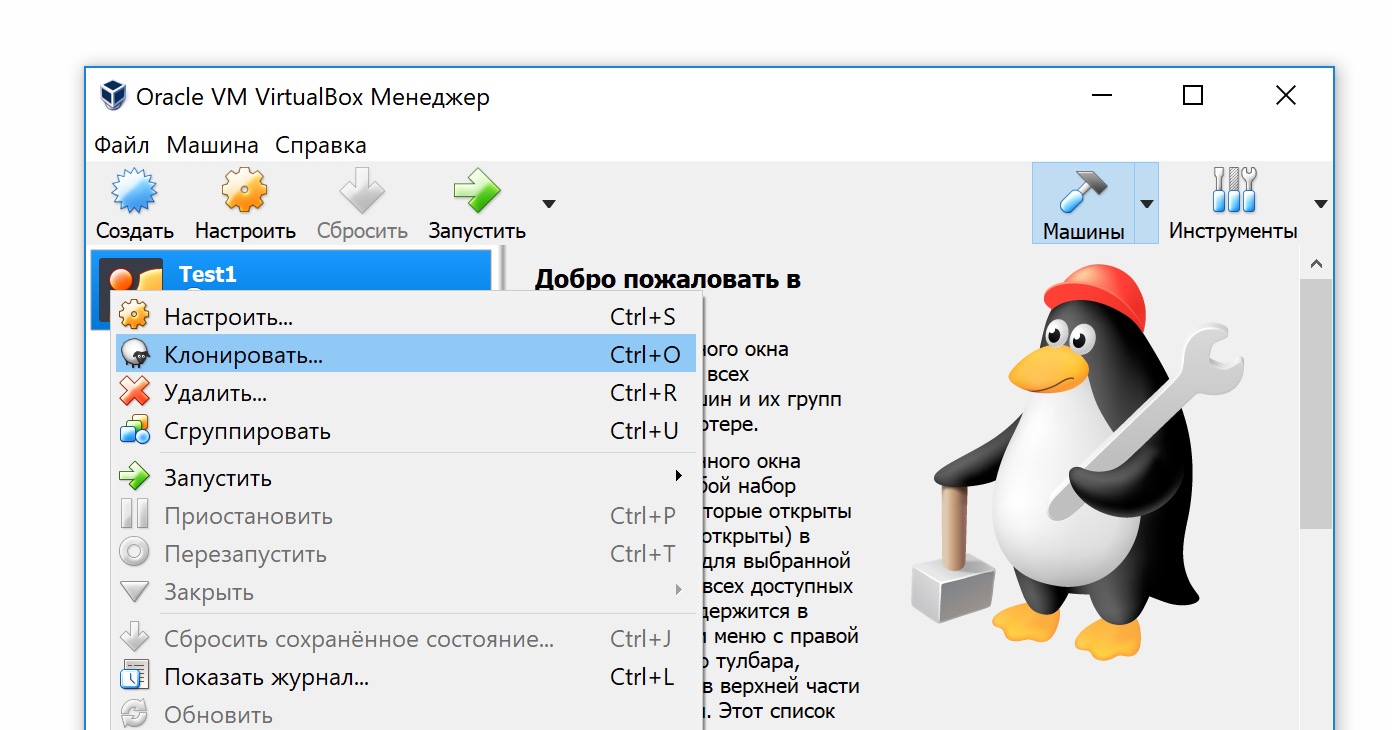
Choose a name for the clone, on the next step be sure to select full cloning, then wait for the procedure to finish – and the system is ready to launch.
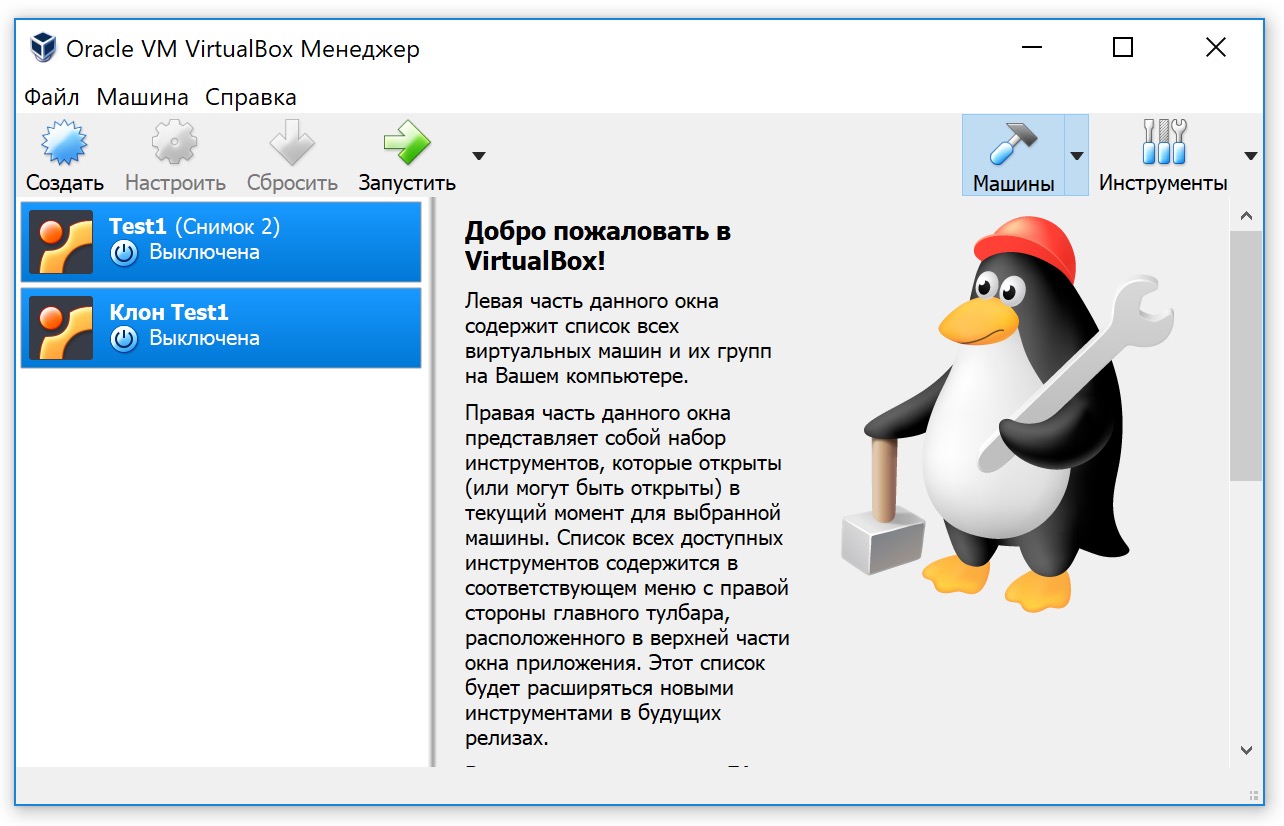
To solve any tasks, you launch the clone, after use you delete it and create a new clone, without touching the main system. Thus, both the wolves are fed and the sheep are safe.