Tips for Working with the Course
Subscribe to the Telegram Channell
We offer various options for receiving notifications about new chapters of the course, but the Telegram channel is more than just notifications. There, we publish announcements, warn about vulnerabilities, and share the most interesting news from the world of IT security. All course readers are recommended to subscribe to the channel.
Subscribe to the YouTube Channel
The information on the YouTube channel duplicates the information in the course; however, many settings are easier to perform through video instructions than articles. Subscribing to the YouTube channel is our second tip.
Set Up a Comfortable Font
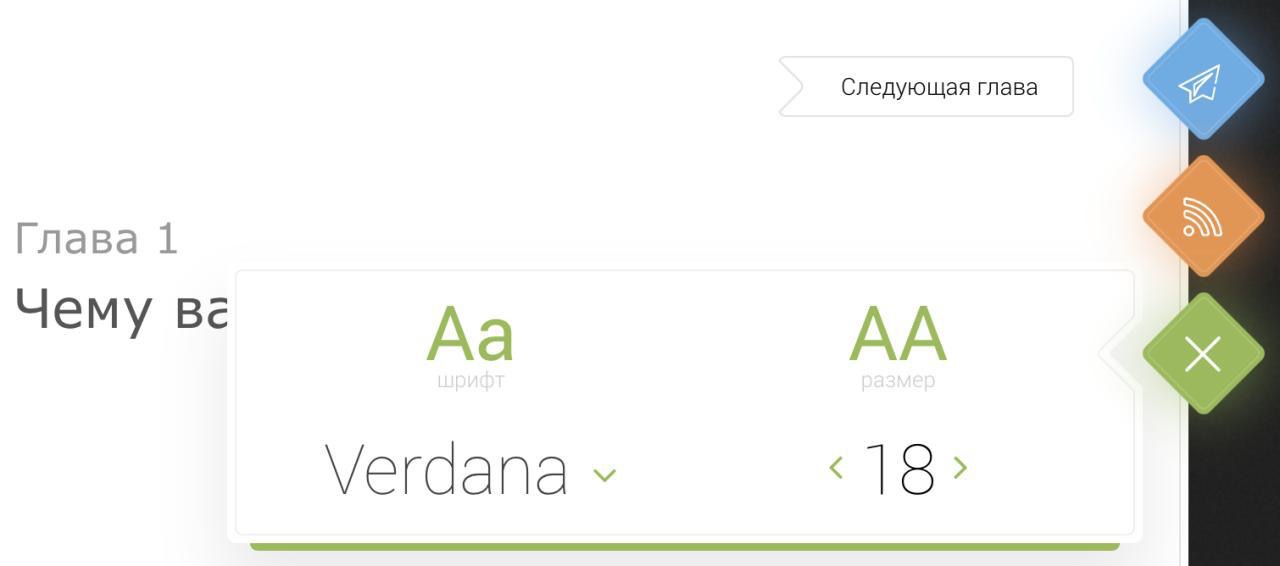
Course readers on computers and tablets can choose a comfortable style and size of the font. To do this, click on the settings icon in the upper right corner of the site. The selected font is saved for further study of the course.
Report Errors
If you find an error in the text, highlight it and press Ctrl+Enter. You will be prompted with a form to submit information about the error. Mobile device and tablet users should highlight the error and click the "Report an Error" button at the bottom of the site.
We welcome any information regarding both grammatical and technical errors.
Ask the Author a Question
You can write to the author of the course at [email protected]. I try to respond to all questions and suggestions as much as I can.
Request Consultations
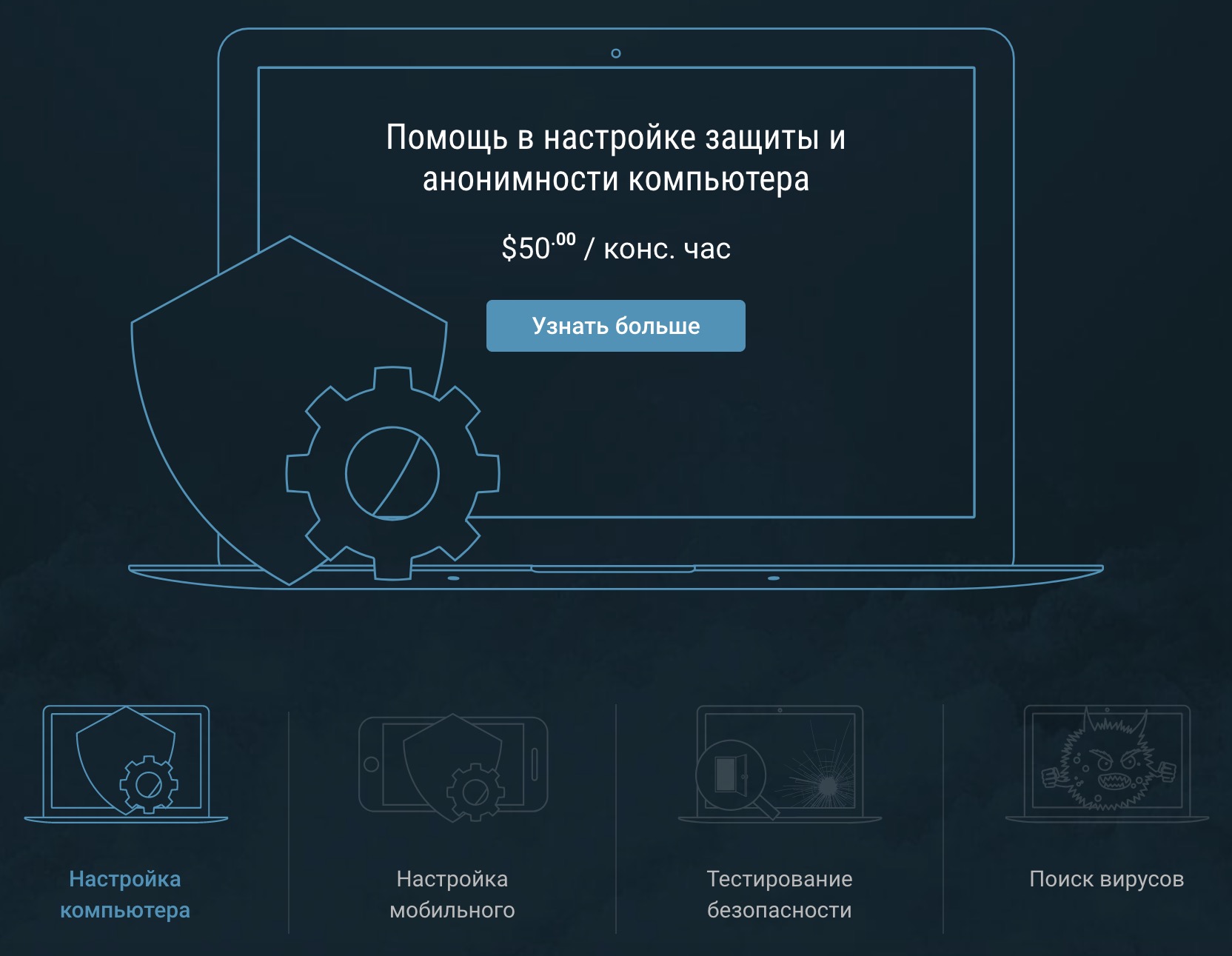
The best compliment to our course would be your lack of need to request a consultation. But if it does arise, all information can be found on the CyberYozh.com website in the "Services" section.
Consultations are conducted individually, and at the client's request, software for remote technical support is used, allowing the specialist to independently configure the client's device.