Viewing, Modifying, and Deleting Image Metadata in macOS
From this material, you have already understood how important it is to check for the absence of metadata (EXIF) that you are not ready to share with others before uploading a photo to the internet or sending it. In this article, I will show you how to view, modify, and delete metadata for users of the macOS operating system.
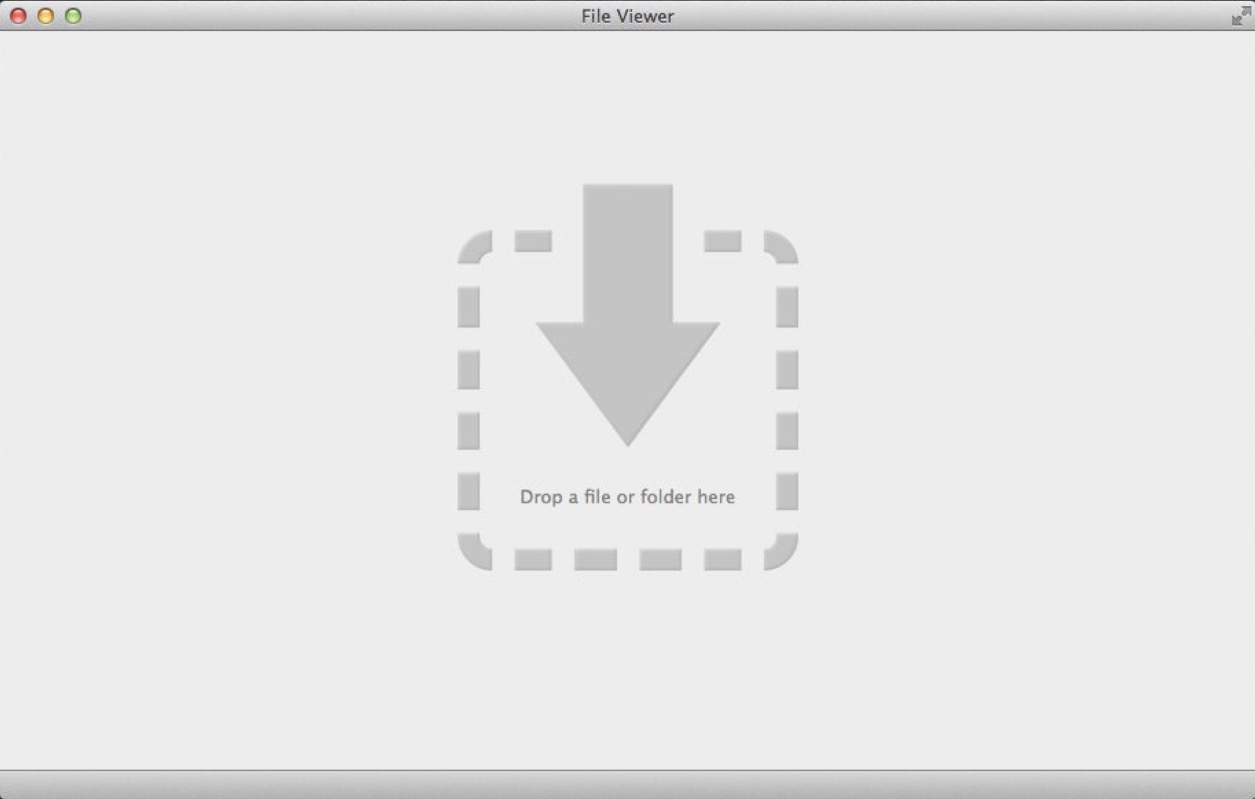
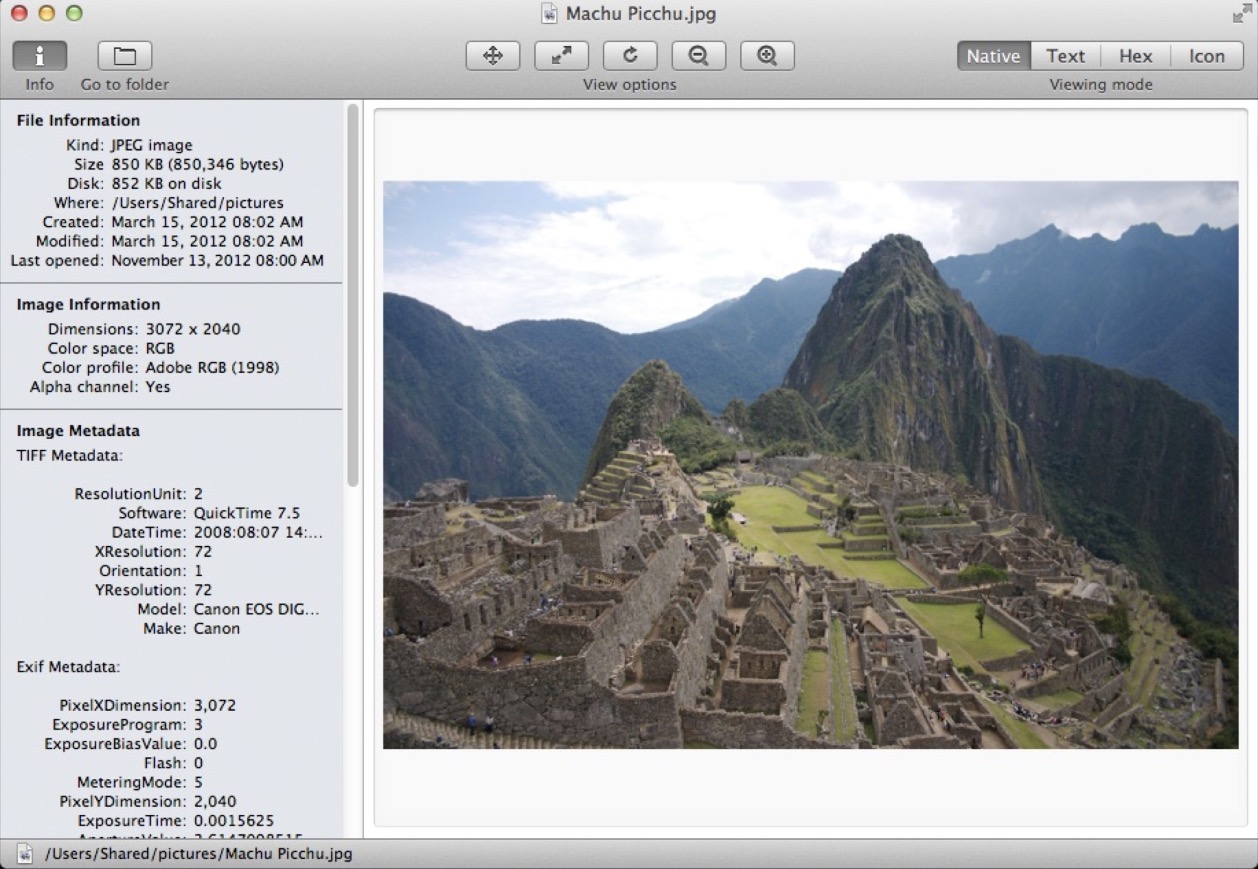
To view EXIF metadata in macOS, I recommend a simple and convenient program called File Viewer. It is free and available for download in the App Store. To view EXIF metadata, simply launch the program and drag the file into the opened window.
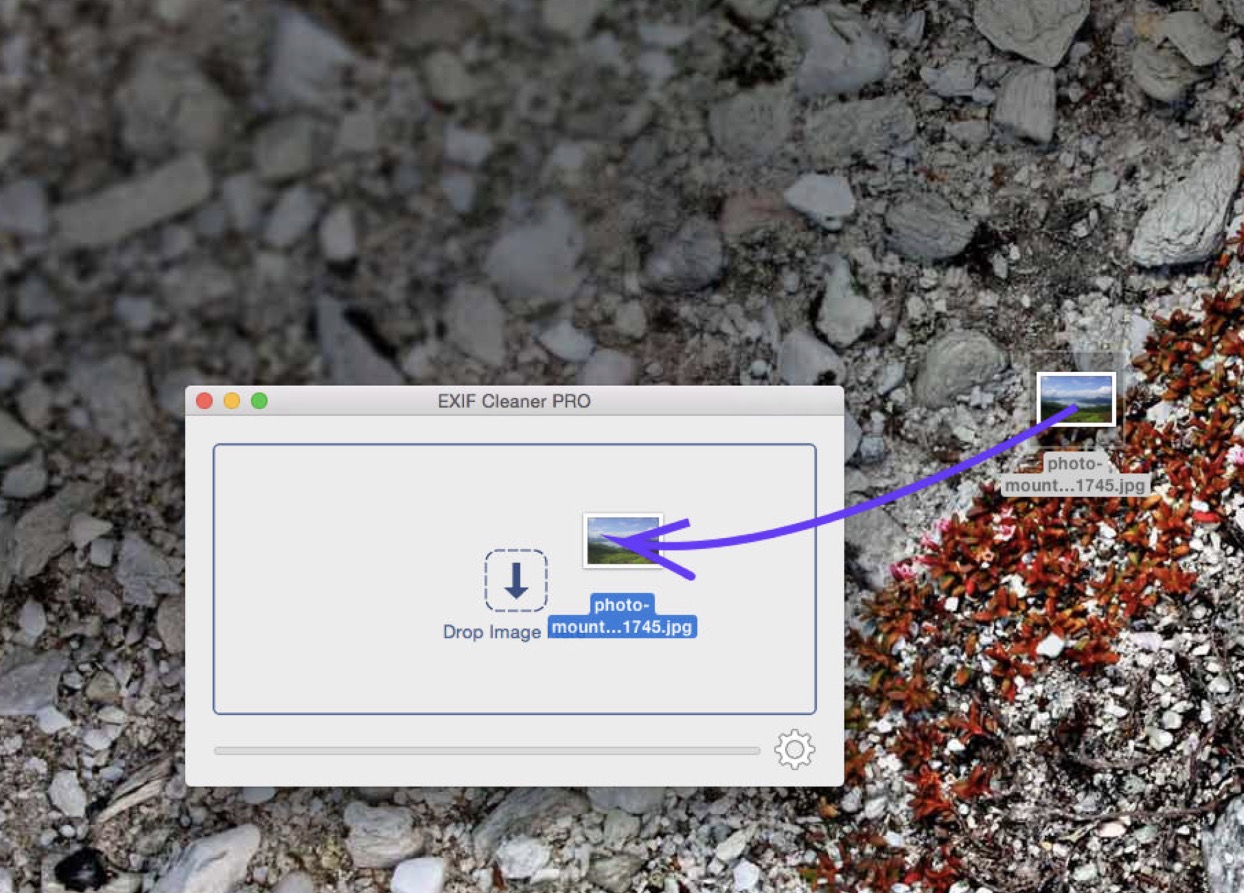
For quick and easy deletion of metadata on macOS, I recommend using a very simple and convenient program called EXIF Cleaner PRO (App Store). It is a paid application, but its price is well worth it for those who need reliable metadata destruction.
To delete metadata, simply launch the program and drag the photo into the opened window.
If you need to modify any specific EXIF metadata, I recommend using the program Image Exif Editor Free (App Store). The free version has some limitations, for example, you cannot process more than one photo at a time, but its functionality is quite sufficient for occasional use.
Please do not forget about the recommendation to minimize installed software and only install programs if they are truly necessary.